

A Wix blog can bring shoppers to your store long before they are ready to buy, if you publish helpful posts consistently. Most stores struggle with the consistently part.
This guide shows you how to plan a short blog series, draft it with Claude, check it and schedule it in the Wix Blog so it runs on its own.
Quick summary
- Plan a series of five to eight posts around one topic your shoppers care about.
- Draft with Claude, then add your own experience and check every fact.
- Link each post to a category or product and to the other posts in the series.
- Schedule posts in Wix Blog to publish once a week.
- One checked post a week is worth more than many unchecked ones.
What changed recently
- September 24, 2026: Google’s September 2026 spam update started (see Google’s ranking updates page). Mass-produced posts fall under scaled content abuse in Google’s spam policies.
- Updated October 5, 2026: Google’s guidance on creating helpful content warns that using generative AI “to produce large amounts of text without manual oversight or curation represents little to no effort”.
Step by step
1. Pick a series topic
Choose a topic that leads naturally to your products, like “getting started with hiking” for an outdoor store. Use questions from customers and your Wix AI Visibility Overview to find gaps.
2. Plan five to eight posts
Each post answers one question. Order them so a beginner can read from start to finish. Note which category or product each post should link to.
3. Draft with Claude
Give Claude the question, your notes and your product facts. Ask for a draft that answers the question in the first paragraph and uses short sentences and clear headings.
4. Add what only you know
Add a tip from your team, a real photo, or a mistake you see customers make. This is what makes your post different from every other post on the same topic.
5. Set SEO and images
In each post’s settings, add a featured image, write an SEO title and meta description, and check the URL slug is short and readable.
6. Schedule in Wix Blog
From Wix Help Center: open the Blog tab in your dashboard, click Create New Post, add your content, click the Expand icon at the top right, then Schedule Post, choose the date and time, and click Schedule. Scheduled posts appear in the Scheduled tab, where you can change the time.
7. Link the series as it goes live
When each new post publishes, add a link to it from the previous post. Keep a simple list of titles, URLs and dates so nothing is missed.
Expert tip
Schedule posts for the same day and time each week. Regular readers learn when to expect them, and you always know what is next.
Do it faster with Claude
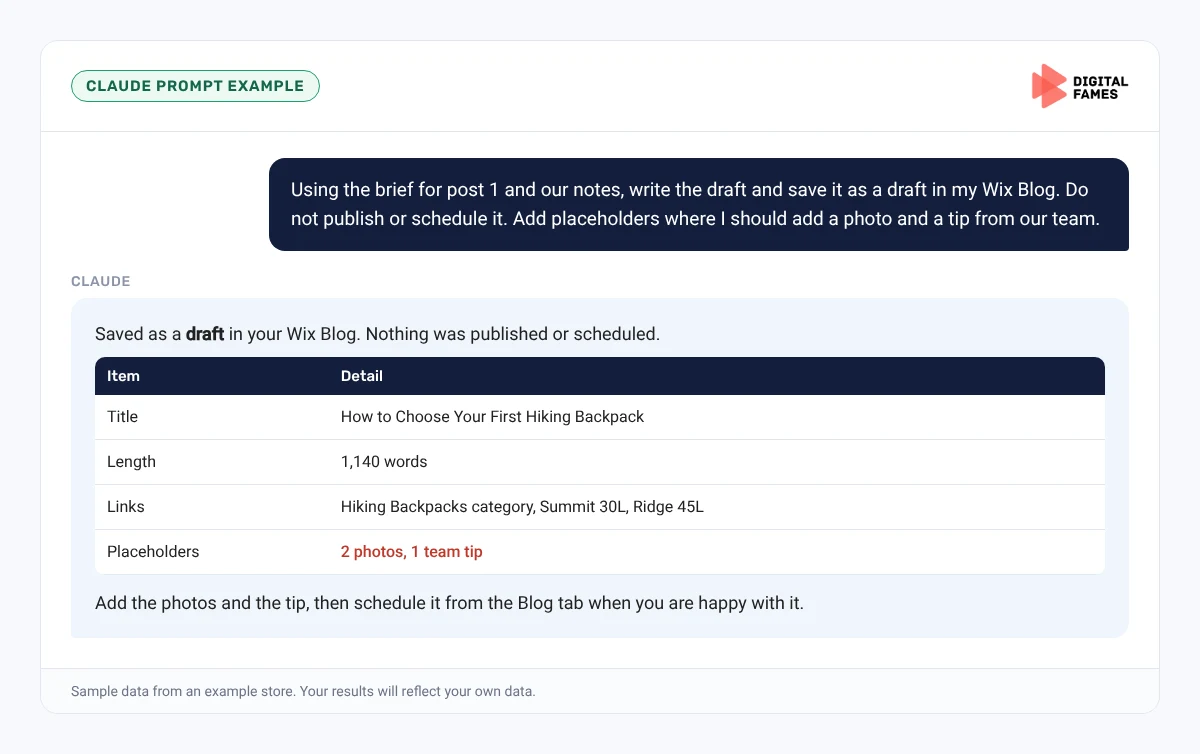
Wix offers an MCP connector that lets Claude work with your Wix site, including blog drafts, with your permission. Have Claude create drafts only, never publish.
Prompt 1: plan the series
Claude prompt
Here are 40 questions our customers asked about hiking. Plan a 6-post Wix blog series for beginners. For each post give a title, the question it answers, the store category it should link to, and a suggested publish week.
Prompt 2: create a draft in Wix
Claude prompt
Using the brief for post 1 and our notes, write the draft and save it as a draft in my Wix Blog. Do not publish or schedule it. Add placeholders where I should add a photo and a tip from our team.
Prompt 3: link check
Claude prompt
Here are the URLs of the posts already published in this series. Suggest where in this new draft to link to each, quoting the sentence.
Common mistakes to avoid
- Letting AI publish posts without review.
- Posts with no link to anything you sell.
- Publishing the whole series in one day.
- Forgetting to add links from older posts to newer ones.
How to tell if it is working
After two to three months, check Search Console for impressions and clicks on your blog posts, and Wix Analytics for visitors who go from a post to a product. Our guide to AI search data in Google Search Console covers the AI reports.
Frequently asked questions
How do I schedule a post on Wix?
In the Blog tab, create a post, click the Expand icon, then Schedule Post, pick a date and time and click Schedule.
Can Claude publish to my Wix blog?
Through Wix’s MCP connector it can work with drafts. Keep a person in charge of reviewing and scheduling.
How long should a store blog post be?
Long enough to fully answer the question, usually 800 to 1,500 words.
How many posts should be in a series?
Five to eight is a good size to plan, finish and link together.
Related guides: A Weekly Shopify Blog Workflow with Claude: From Topic to Published Post and Publishing a WordPress Blog Series with Claude: From Topic List to Scheduled Posts. Browse all our Wix SEO guides.
Next in this series
Start the next series: BigCommerce Product Feeds for AI Shopping: Getting Your Catalog into Google AI Mode.
Missed the start? Read Wix Stores and AI Search: How to Use the AI Visibility Overview.
Want a blog series planned for your Wix store? See our AI SEO services or talk to our team.